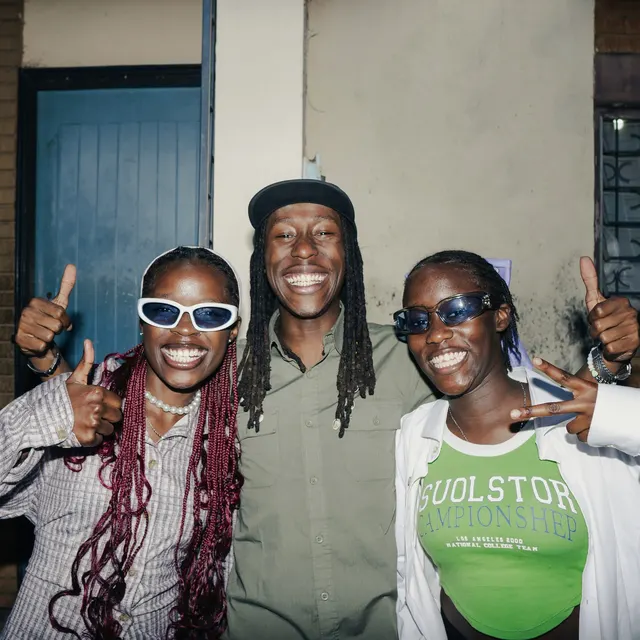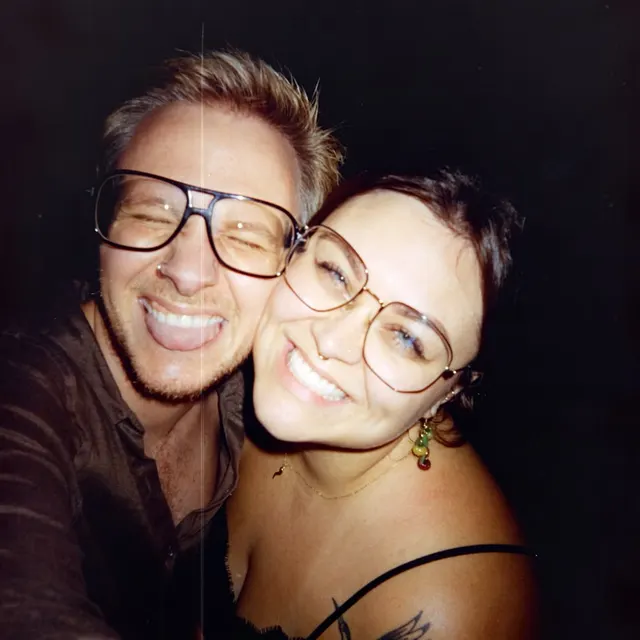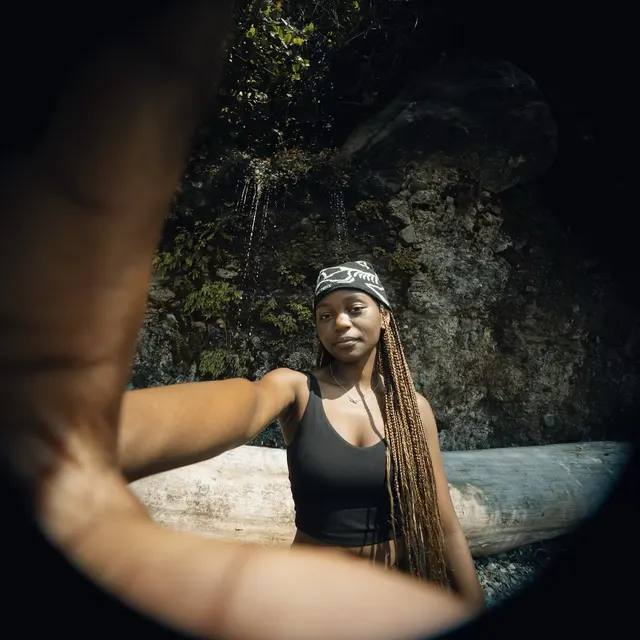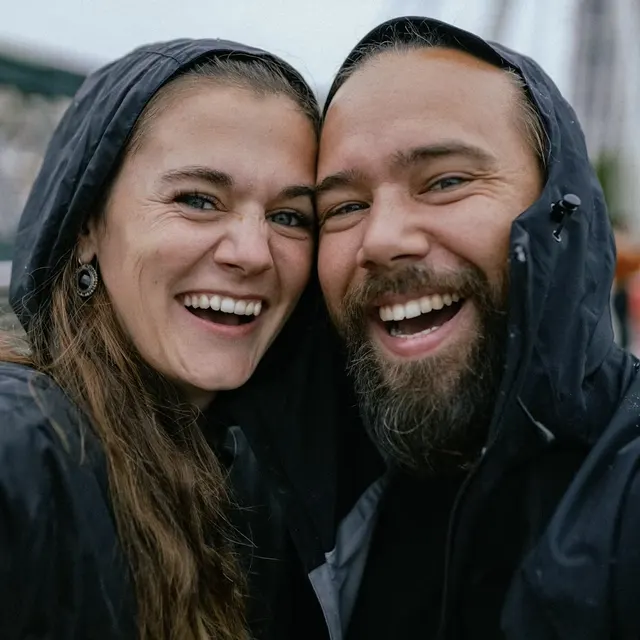
How it works.
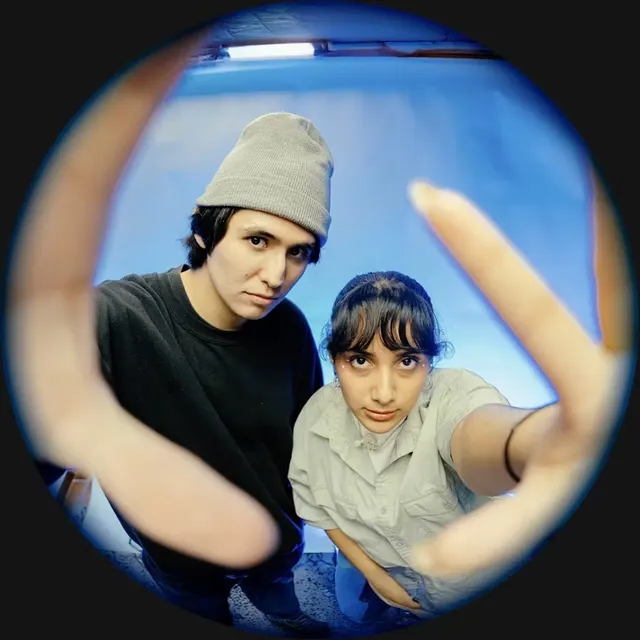
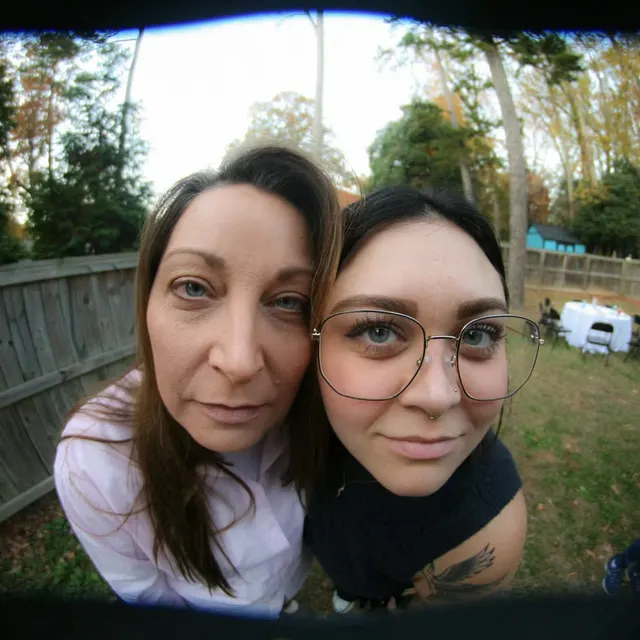
You got a Take.
Better hurry, it won’t wait. You can read the caption, but the Take itself stays blurred.
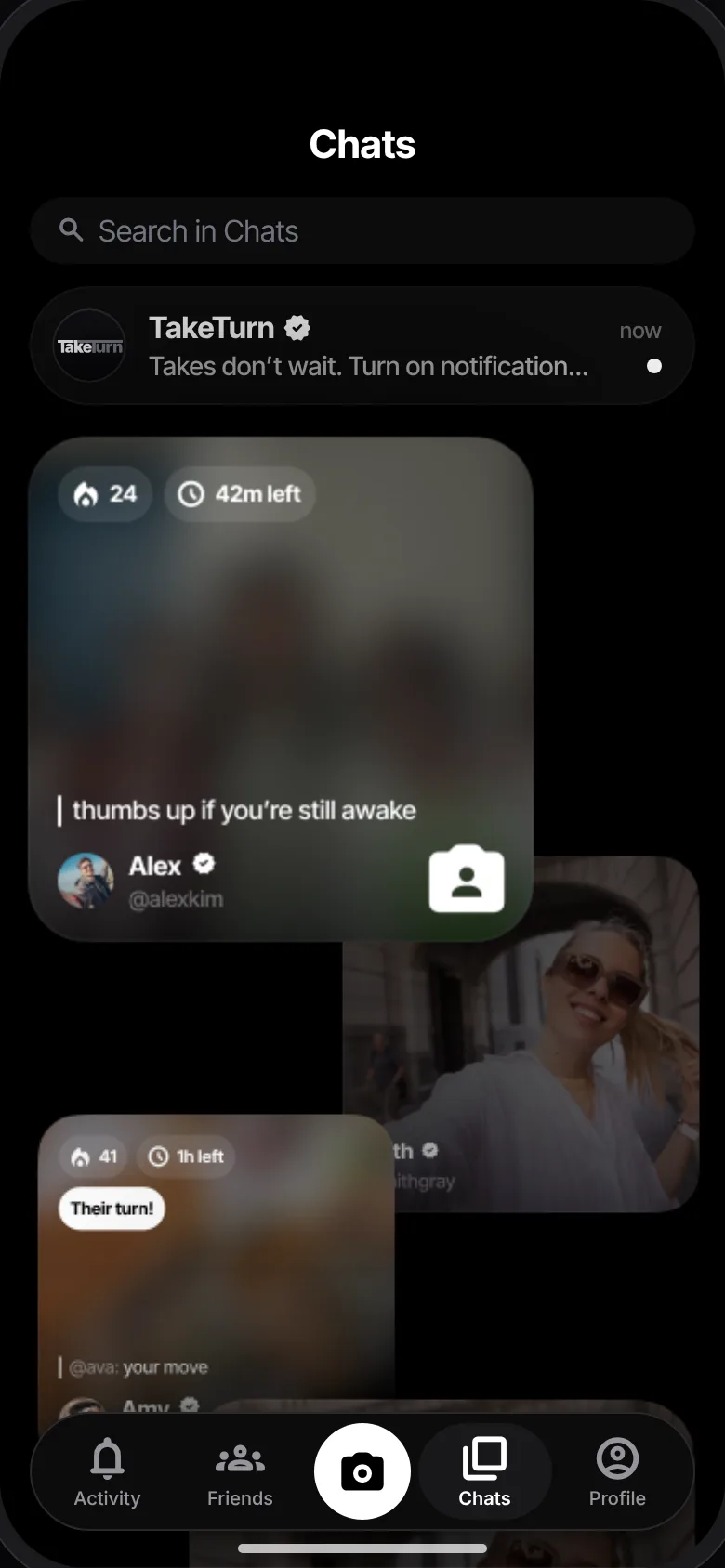
Why blurred? It’s your Turn.
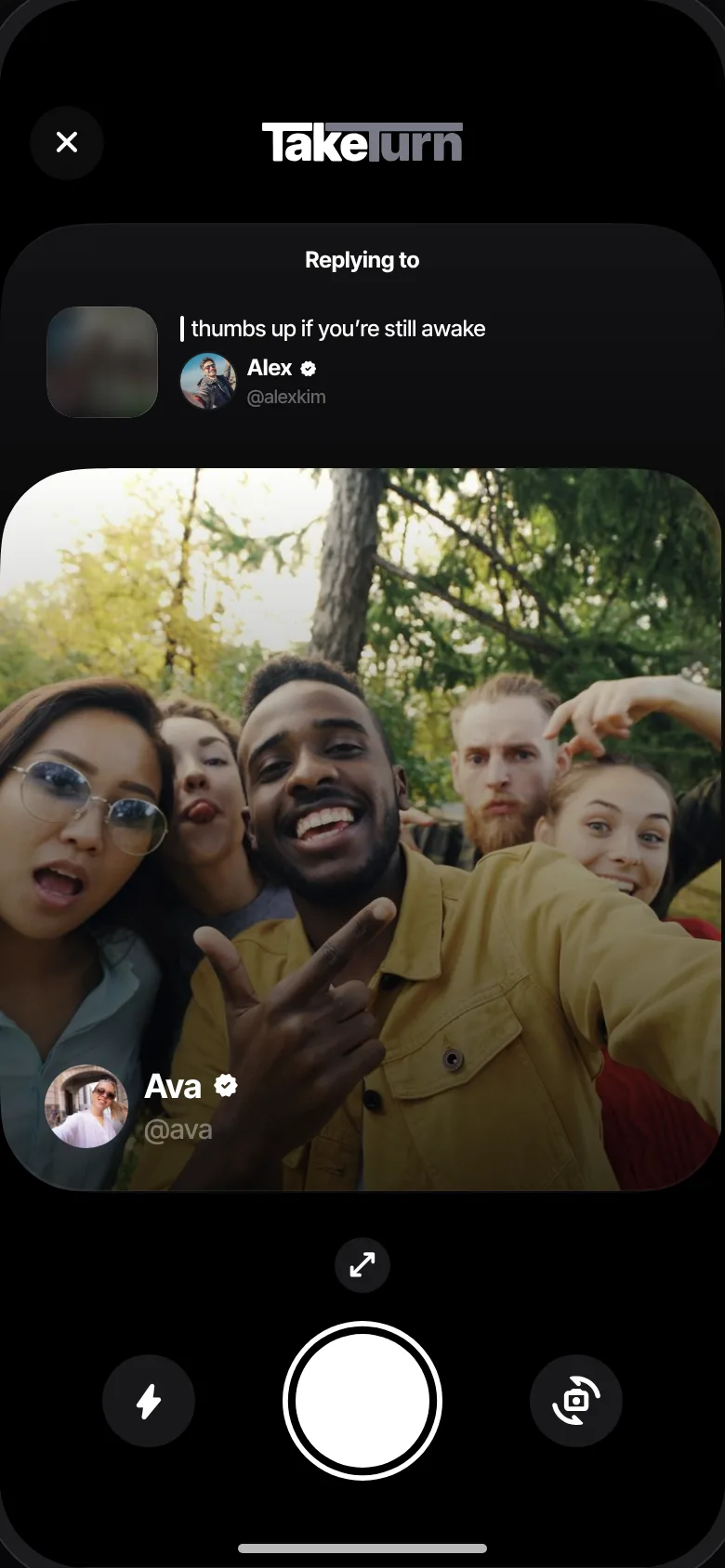
To see their Take, you send one first. Tap the blurred Take in the top-left corner of their card to reply.
Capture yours.
Take a photo, add a caption and choose how long they get to catch it.
Catch theirs.
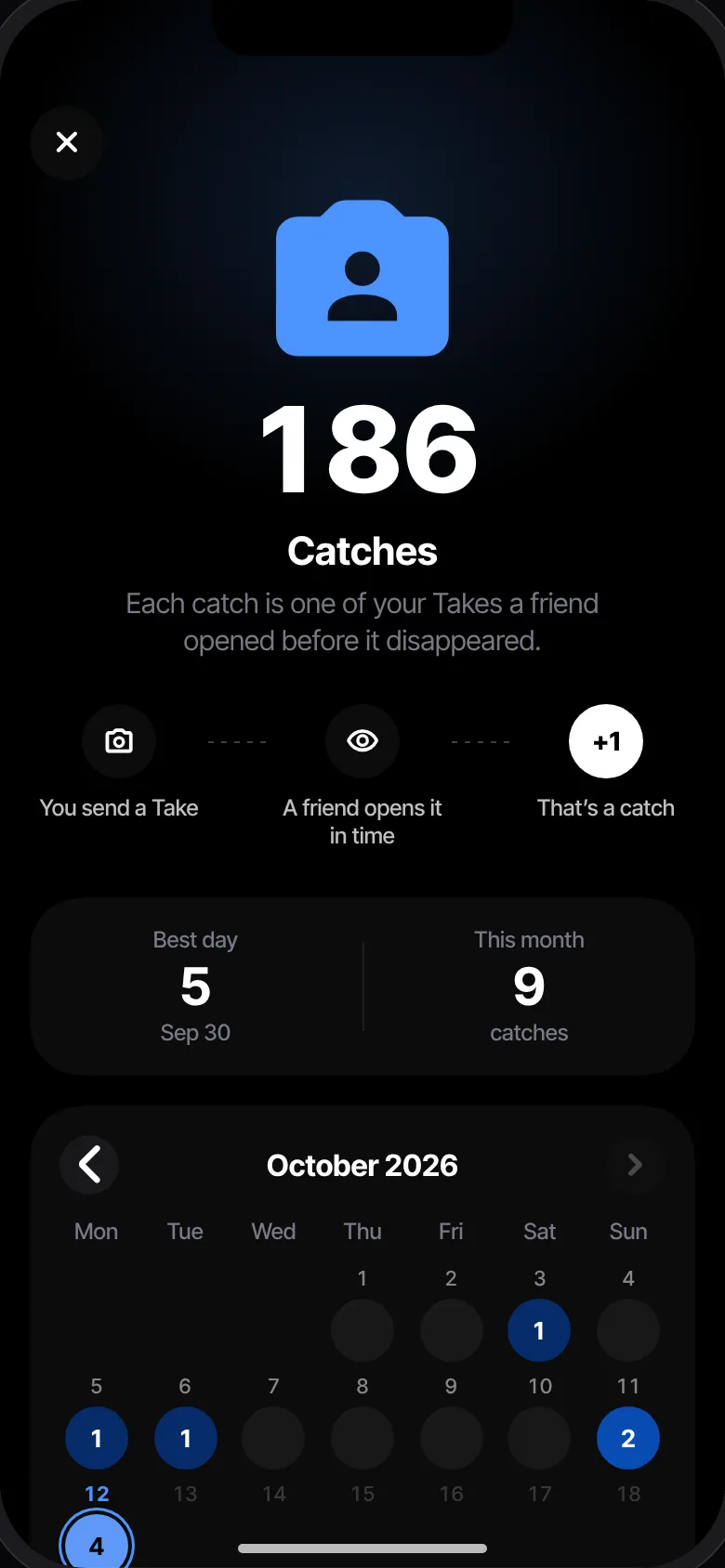
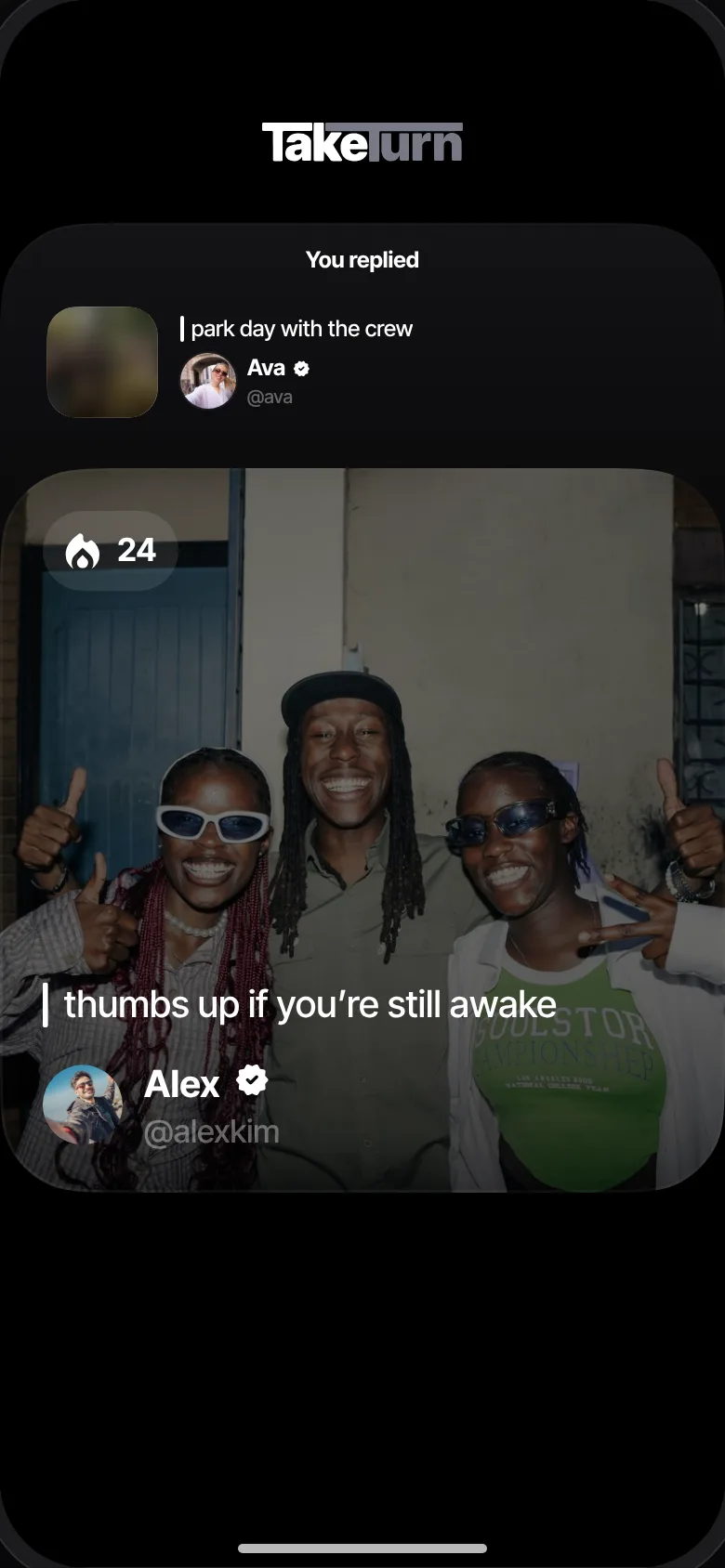
Tap Send & Catch. Your Take goes out and theirs opens, once, for 15 seconds.
Now it’s their Turn.
Your Take reaches them blurred. To see it, they reply. And round it goes.